
 English
 Español
 Français
 简体中文
简体中文ADD: No.85 Jiuyuan Road, Economic Development Zone, Gaoyou city ,Yangzhou city ,225600 Jiangsu Province, China.
MERCEDES-BENZC-CLASS (W203) (2000/05 - 2007/08)MERCEDES-BENZC-CLASS Coupe (CL203) (2001/03 - 2011/06...
See DetailsContent
Checking a thermocouple temperature sensor comes down to three core methods: visual inspection, resistance measurement with a multimeter, and live voltage output testing under heat. A functioning thermocouple generates a small millivolt signal — typically between 1 mV and 60 mV depending on type and temperature — and any significant deviation from expected values points to sensor degradation, junction damage, or wiring failure. Knowing exactly how to perform each check saves time on the factory floor and prevents costly process shutdowns caused by misread temperatures.
Thermocouple temperature sensors are among the most widely deployed sensing devices in industrial settings, covering applications from steel furnaces and plastic injection molding machines to food processing ovens and HVAC systems. Their reliability over decades of use makes them a default choice for engineers worldwide. However, even the most robust thermocouple sensor can fail due to thermal cycling fatigue, chemical contamination, mechanical stress, or simple oxidation over time. This article walks through a complete, practical process for checking thermocouple temperature sensors — covering the tools you need, the step-by-step procedures, what your readings actually mean, and how to distinguish a faulty sensor from a wiring or instrument problem.
Before you can check a thermocouple temperature sensor accurately, it helps to understand what you are actually measuring. A thermocouple consists of two dissimilar metal wires joined at one end — the "hot junction" or measuring junction — and connected to a measuring instrument at the other end — the "cold junction" or reference junction. When a temperature difference exists between the two junctions, a voltage is produced. This effect, known as the Seebeck effect, is the physical principle behind every thermocouple in existence.
The voltage output is small and predictable. A Type K thermocouple, one of the most common industrial types, produces approximately 41 microvolts per degree Celsius. A Type J thermocouple produces around 51 microvolts per degree Celsius. These reference values are critical when you perform a live voltage check because they tell you whether the sensor is producing a plausible signal for the temperature it is measuring. If the output is far outside this range, the sensor has a problem.
Different thermocouple types use different metal alloy combinations — Type K uses Chromel and Alumel, Type J uses Iron and Constantan, Type T uses Copper and Constantan, and Type R or S types use platinum-rhodium alloys for very high-temperature applications. Identifying your sensor type before testing is essential because the expected voltage output and resistance values differ significantly between types.
You do not need specialized laboratory equipment to perform most thermocouple checks. A standard digital multimeter capable of measuring millivolts (mV) and resistance (Ω) handles the majority of field checks. For more precise verification, a thermocouple calibrator or millivolt source/simulator is useful, but optional for routine diagnostics.
One point worth emphasizing: always use matching thermocouple extension wire when running test leads from the sensor to your multimeter. Standard copper test leads introduce a dissimilar metal junction at the connection point, which generates its own small thermoelectric voltage and contaminates your reading. This is a frequent source of confusing results during field checks.
Before connecting any test equipment, examine the sensor physically. Look for sheath corrosion, cracks, or discoloration near the hot junction. Check the insulation on the lead wires for brittleness, burns, or physical cuts. Inspect the connection head for moisture ingress, corroded terminals, or loose screw connections. Many thermocouple failures are visible — oxidized metal, pitted surfaces, or swollen insulation all indicate that the sensor has been exposed to conditions beyond its rated range.
Disconnect the thermocouple from its instrument or controller. Set your multimeter to resistance mode (Ω). Place one probe on each thermocouple lead. A healthy thermocouple will show a low resistance reading — typically between 1 Ω and 100 Ω depending on wire length and gauge, but the exact value varies by design. What you are looking for is:
Also check resistance between each lead and the protective sheath (ground). Any conduction between the circuit and the sheath indicates insulation failure, which introduces noise and error into temperature readings. This check is especially important for sensors installed in high-vibration environments.
This is the most definitive field check. Set your multimeter to DC millivolt (mV) mode. Connect the multimeter leads to the thermocouple terminals, observing polarity — positive lead to positive terminal, negative lead to negative terminal. Apply a known heat source to the measuring junction: a hot air gun, boiling water, or the process temperature itself. As the junction heats up, the millivolt reading should rise steadily.
Compare the measured millivolt output against the standard thermocouple reference table for your sensor type and the temperature you applied. For example, a Type K thermocouple immersed in boiling water (approximately 100°C at sea level) should produce around 4.096 mV. If your reading falls significantly above or below this value — say, more than ±0.5 mV — the sensor has drifted and should be replaced for precision applications.
If the millivolt output does not increase at all when heat is applied, the measuring junction is open or the Seebeck effect is no longer occurring — indicating a failed sensor. If the output is erratic or fluctuates randomly without a change in heat source, suspect loose connections, damaged insulation, or interference from nearby electrical equipment.
A stable millivolt output from the sensor does not automatically mean the connected controller or transmitter is reading correctly. Use a thermocouple calibrator or millivolt simulator to inject a known signal directly at the instrument input terminals. If the instrument reads the correct temperature for the injected signal, the instrument is fine and any remaining discrepancy is in the sensor or extension wiring. If the instrument misreads a known good signal, the problem is in the instrument itself — not the thermocouple temperature sensor.
The table below provides standard millivolt output reference values for the most widely used thermocouple types at two common benchmark temperatures. These values assume a cold junction reference of 0°C (standard IEC 60584 reference condition). Use these figures to quickly verify whether a sensor's output falls within the acceptable range during a field check.
| Thermocouple Type | Metal Combination | Output at 100°C (mV) | Output at 500°C (mV) | Typical Temperature Range |
|---|---|---|---|---|
| Type K | Chromel / Alumel | 4.096 | 20.644 | -200°C to 1260°C |
| Type J | Iron / Constantan | 5.269 | 27.388 | -210°C to 760°C |
| Type T | Copper / Constantan | 4.279 | 20.872 | -270°C to 370°C |
| Type E | Chromel / Constantan | 6.319 | 32.960 | -270°C to 870°C |
| Type N | Nicrosil / Nisil | 2.774 | 16.748 | -270°C to 1300°C |
| Type S | Pt-10%Rh / Platinum | 0.646 | 4.471 | -50°C to 1760°C |
Understanding the symptom-to-cause relationship speeds up fault diagnosis considerably. Many problems that look like sensor failure are actually wiring or instrument issues, and vice versa. The following breakdown covers the most frequently encountered fault patterns in industrial thermocouple temperature sensor systems.
If the instrument displays a temperature close to room temperature regardless of what the process is doing, the most likely cause is an open circuit in the thermocouple loop. The instrument's cold junction compensation circuit is seeing only the reference junction temperature with no differential signal from the sensor. Check for broken wires, a failed measuring junction, or a loose terminal connection. An open circuit is the single most common thermocouple failure mode.
A consistently low reading — where the displayed temperature is well below what the process actually is — often points to a reversed polarity connection. Thermocouple leads are polarity-sensitive; connecting positive to negative at any junction point in the circuit produces a signal that partially cancels or inverts. Check wiring diagrams carefully and verify terminal connections match the sensor's lead color code. In some cases, using the wrong type of extension wire (e.g., Type J wire with a Type K sensor) produces a similar effect.
Unstable readings that jump around without a corresponding change in process temperature usually indicate electrical interference or a grounding issue. Thermocouples installed near variable frequency drives (VFDs), large motors, or welding equipment are particularly susceptible to electromagnetic interference. Check that the sensor sheath is properly grounded (or deliberately isolated, depending on the application). Verify that the extension wire runs are separated from power cables wherever possible. If a grounded-junction sensor is picking up ground loop noise, switching to an ungrounded or isolated-junction type may resolve the issue.
Slow drift — where the sensor reads accurately when new but becomes progressively inaccurate over months or years — is a normal aging phenomenon in thermocouple temperature sensors, particularly in high-temperature or chemically aggressive environments. Type K thermocouples are known to experience the "Green Rot" oxidation phenomenon when used in low-oxygen atmospheres around 800°C to 1050°C, causing significant measurement error over time. For critical processes, establish a regular calibration schedule rather than waiting for obvious failure.
Not every out-of-specification reading means the sensor is beyond use. The decision to replace or recalibrate depends on the degree of deviation, the process criticality, and whether the error is consistent or erratic.
For applications where temperature accuracy directly affects product quality or safety — pharmaceutical manufacturing, aerospace component heat treatment, food pasteurization — sensor replacement at defined intervals is a standard practice regardless of apparent sensor condition. Preventive replacement costs far less than a failed batch or a process deviation report.
Checking a thermocouple temperature sensor is a straightforward process when approached systematically. Start with a visual inspection, move to resistance checks, and then verify the millivolt output under a known temperature condition. Cross-check the sensor reading against an independent reference thermometer whenever accuracy is critical. Always confirm the instrument separately before concluding the sensor is at fault.
A few final reminders that save time and prevent misdiagnosis:
Thermocouple temperature sensors are reliable and long-lived, but their accuracy is only as good as the installation, wiring, and maintenance around them. A disciplined checking routine — combining millivolt output verification, resistance measurement, and instrument validation — ensures that the temperature data driving your process decisions is something you can actually trust.
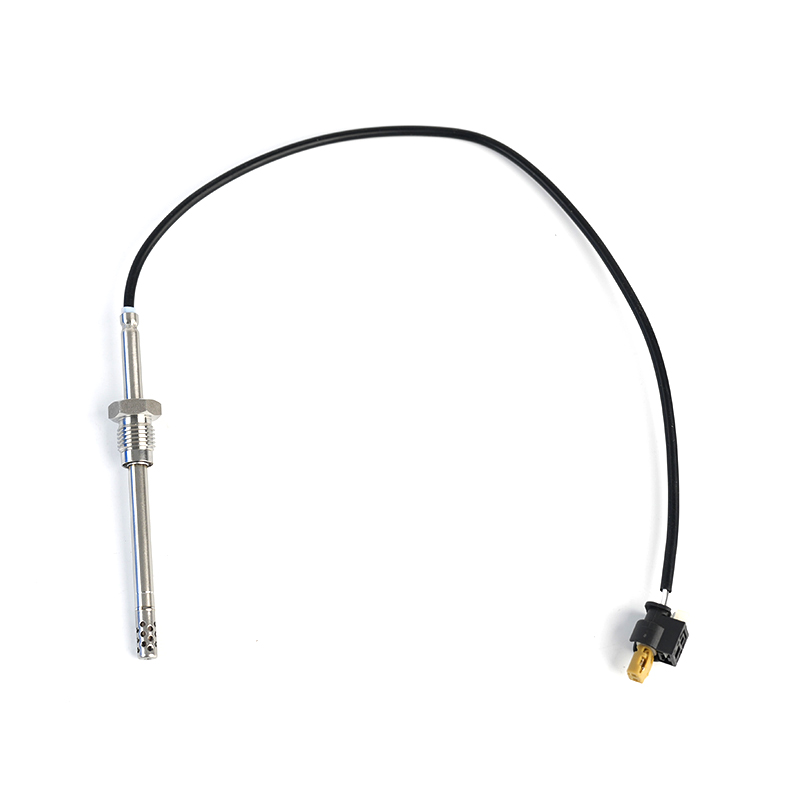
MERCEDES-BENZC-CLASS (W203) (2000/05 - 2007/08)MERCEDES-BENZC-CLASS Coupe (CL203) (2001/03 - 2011/06...
See Details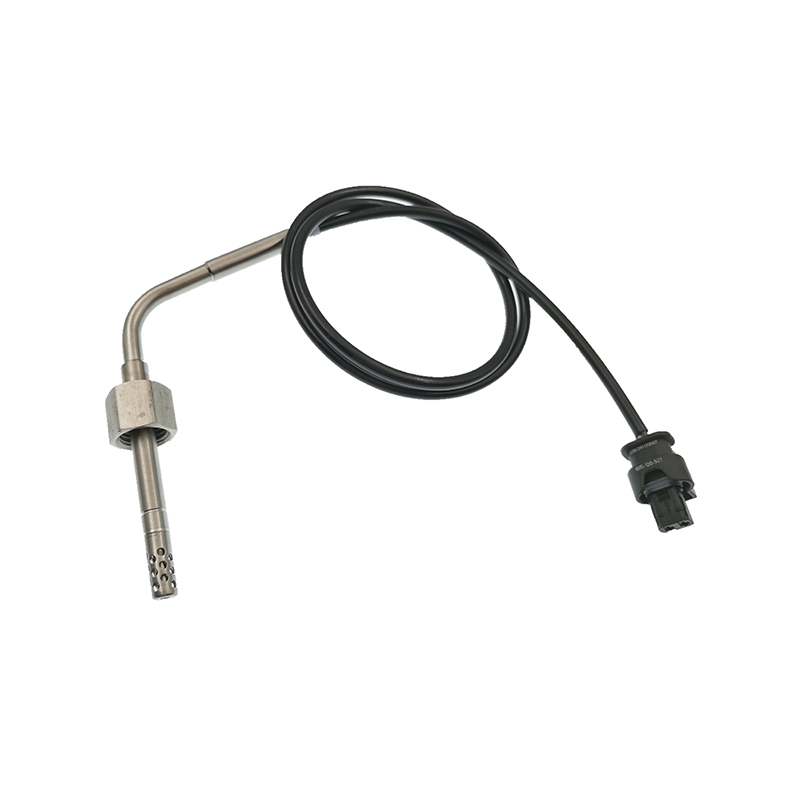
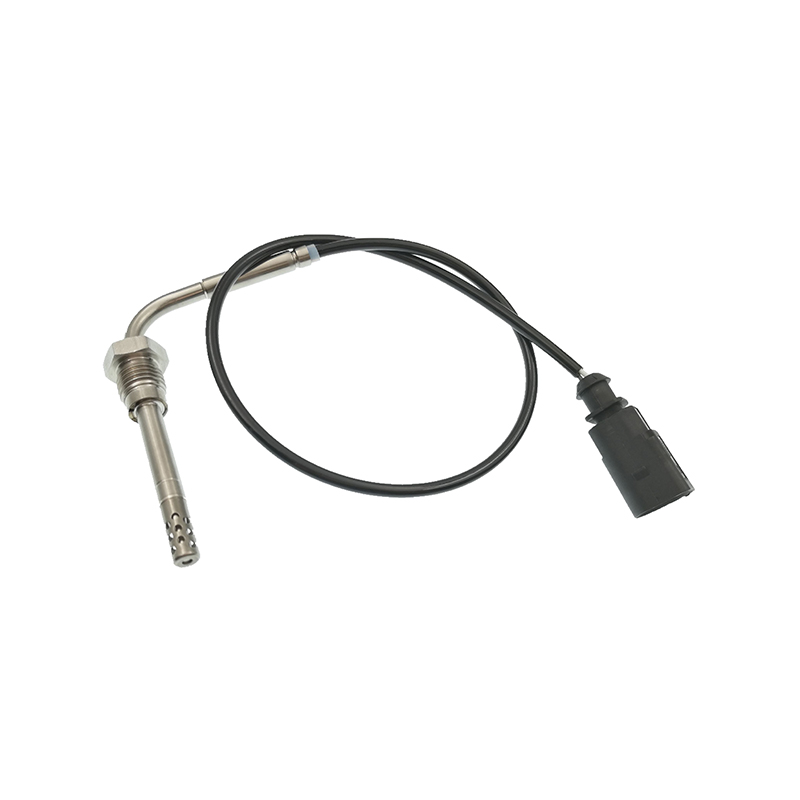
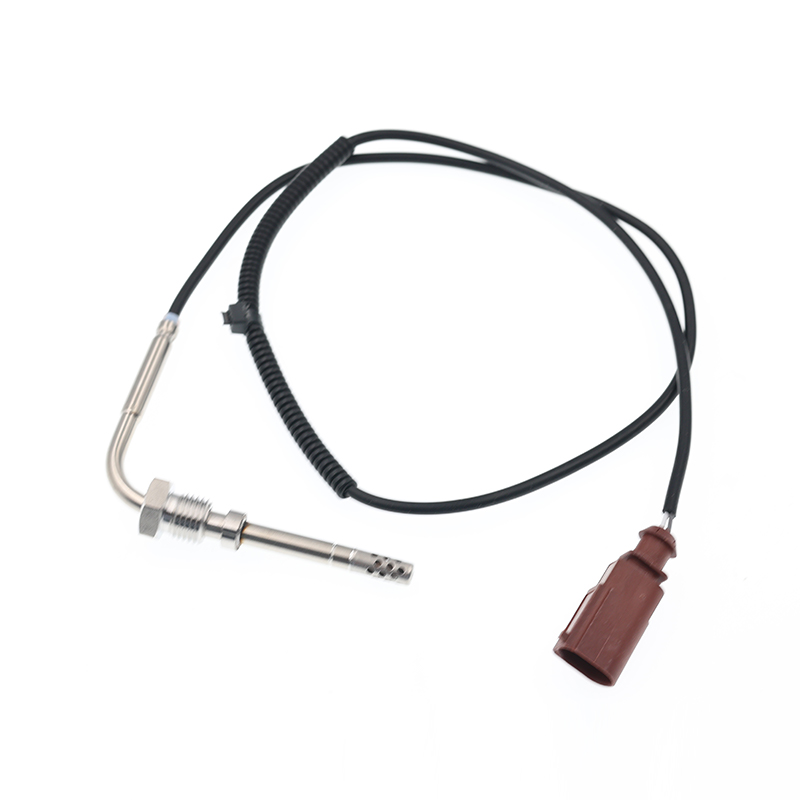
AUDIQ7 (4L) (2006/03 - 2015/08)VWTOUAREG (7LA, 7L6, 7L7) (2002/10 - 2010/05)
See Details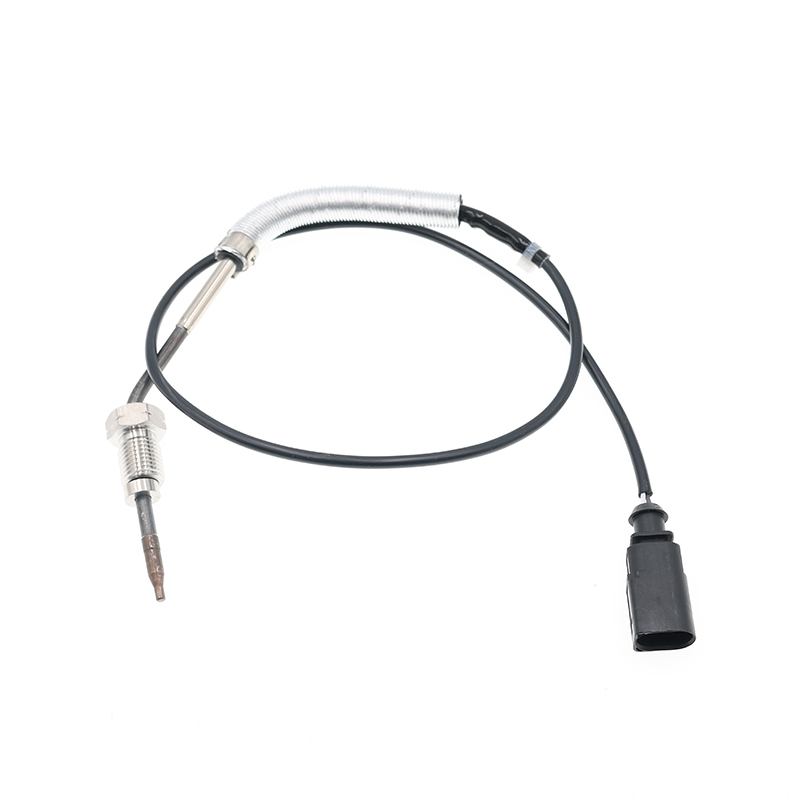
AUDIA3 (8P1) (2003/05 - 2012/08)AUDIA3 Sportback (8PA) (2004/09 - 2013/03)AUDIA4 (8EC, B7) (2004/11 ...
See Details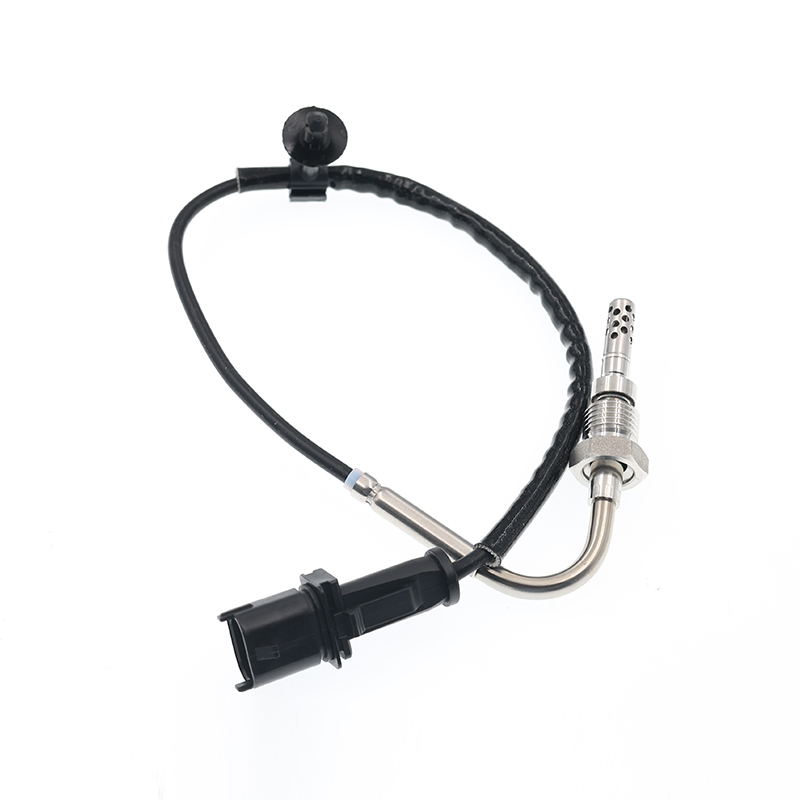
OPEL ASTRA J (2009/12 - /) OPEL ASTRA J Sports Tourer (2010/10 - /) OPEL ASTRA GTC J ...
See Details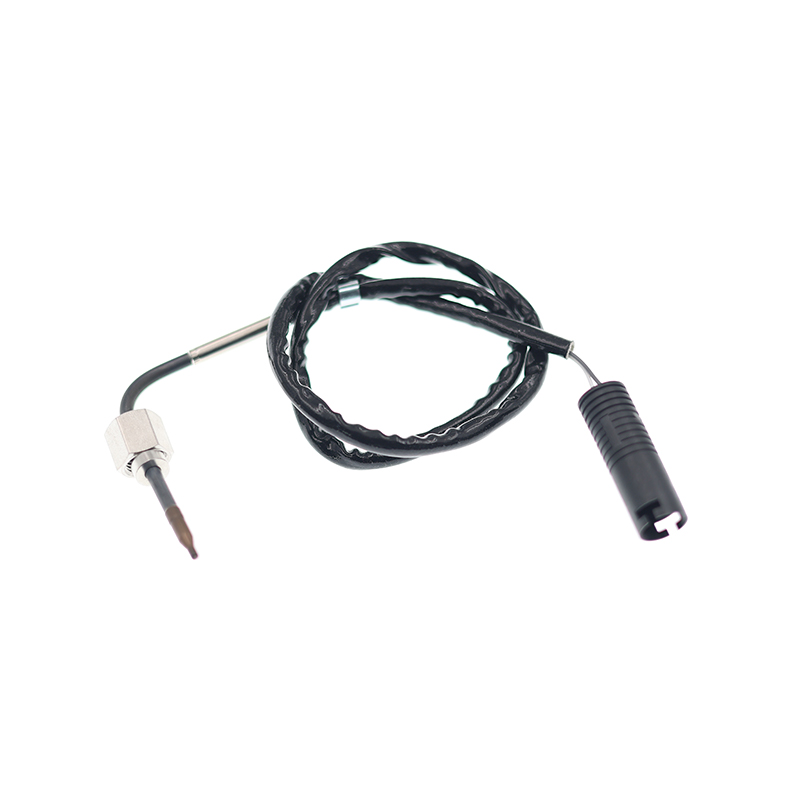
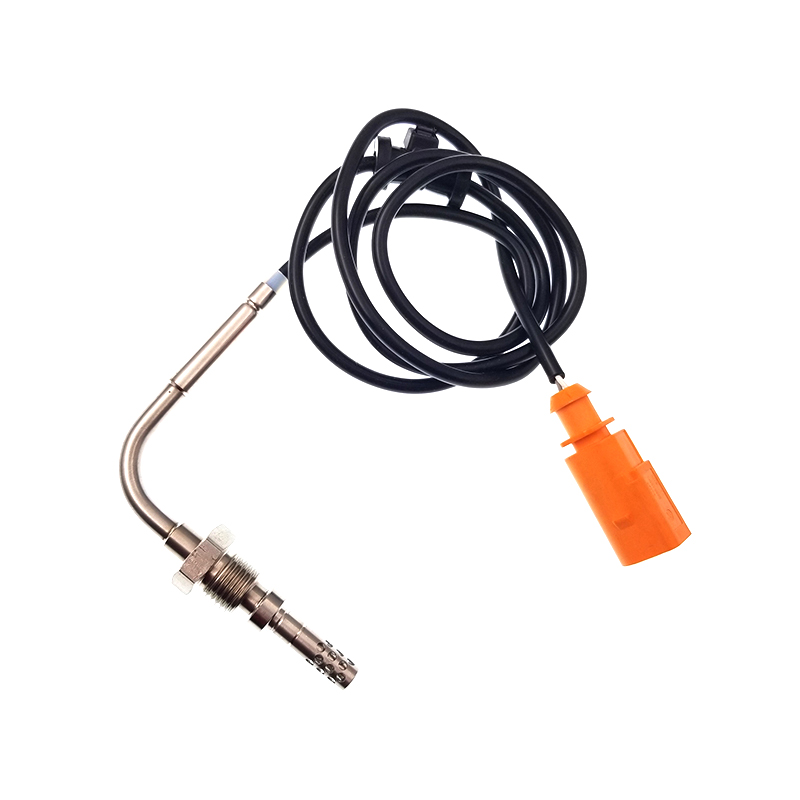
VWJETTA III (1K2) (2005/08 - 2010/10) VWGOLF VI (5K1) (2008/10 - 2013/11) VWGOLF VI Varia...
See Details
ADD: No.85 Jiuyuan Road, Economic Development Zone, Gaoyou city ,Yangzhou city ,225600 Jiangsu Province, China.
Copyright © Sook High Tech (Jiangsu) Co., Ltd. All Rights Reserved. OEM/ODM Automotive Sensor Manufacturers

